
Best Photo Editor of 2026: In-Depth & Completely Unbiased Comparison
Which photo editor is truly the best in 2026? We compared Nothron, Photoshop, Remini, Topaz Photo AI, and Luminar Neo in extreme detail across real-world portrait enhancement, old photo restoration, speed, natural results, and ease of use. Read this before you decide.
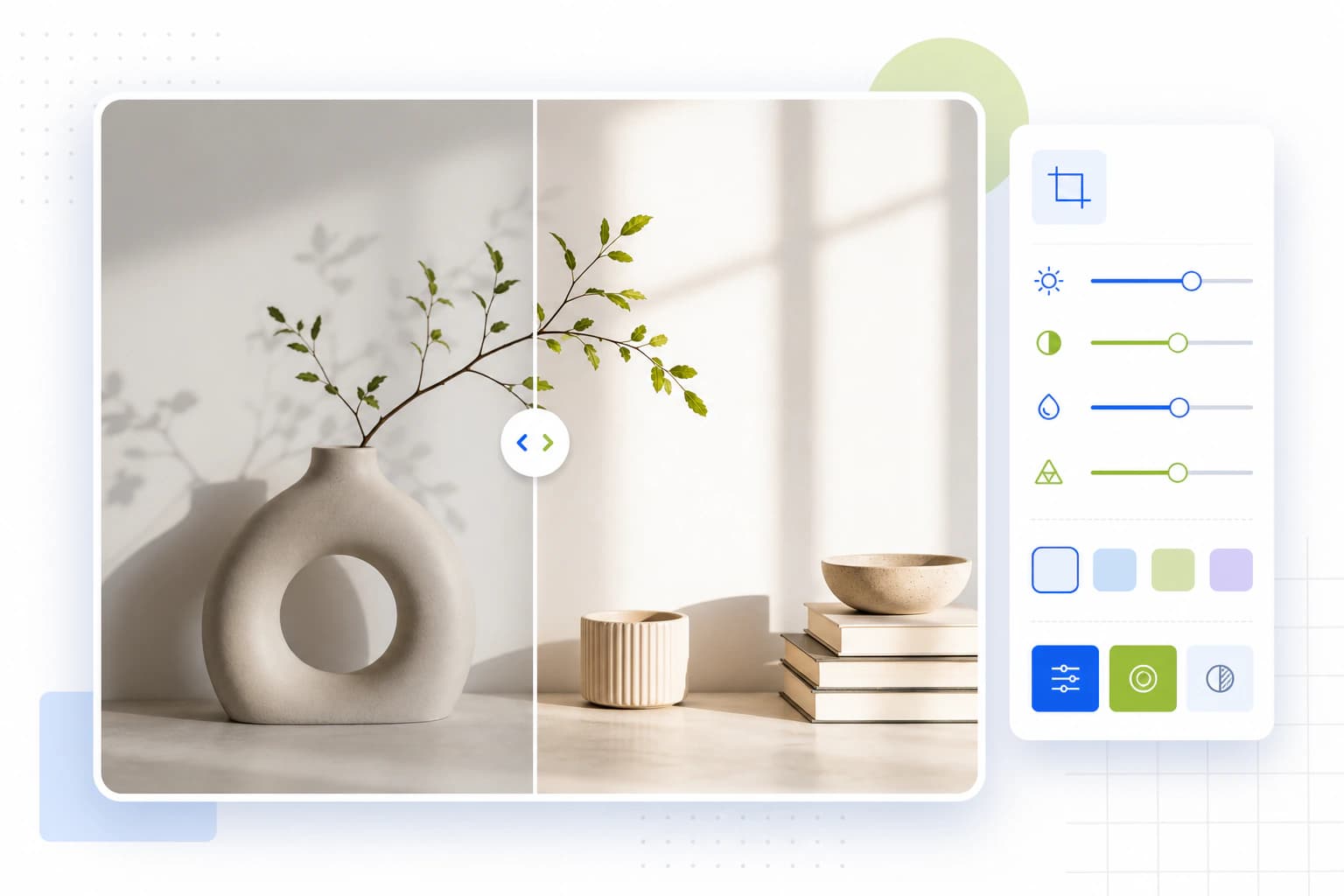
In 2026, the number of AI-powered photo editing tools has exploded. Almost every app promises "one-tap miracles," yet most users still end up lost in endless sliders and settings.
This guide exists to end that confusion once and for all.
We are the Nothron team, and yes — we are deeply biased toward our own tool.
But we're even more committed to honesty, transparency, and helping you make the right choice.
That's why we spent weeks testing the five most dominant photo editors of 2026 using identical real-world photos, the same evaluation criteria, and zero favoritism in presentation.
Here are the five objective criteria we used:
- Output Quality & Naturalness – Does the skin look plastic or human?
- Speed & Ease of Use – How many clicks and minutes does it really take?
- Underlying Technology & Innovation – Is it just polishing old tricks, or genuinely pushing boundaries?
- Target Audience Fit – Who is this tool actually built for?
- Pricing & Value for Money – Is what you pay justified in 2026 standards?
Let's dive in.
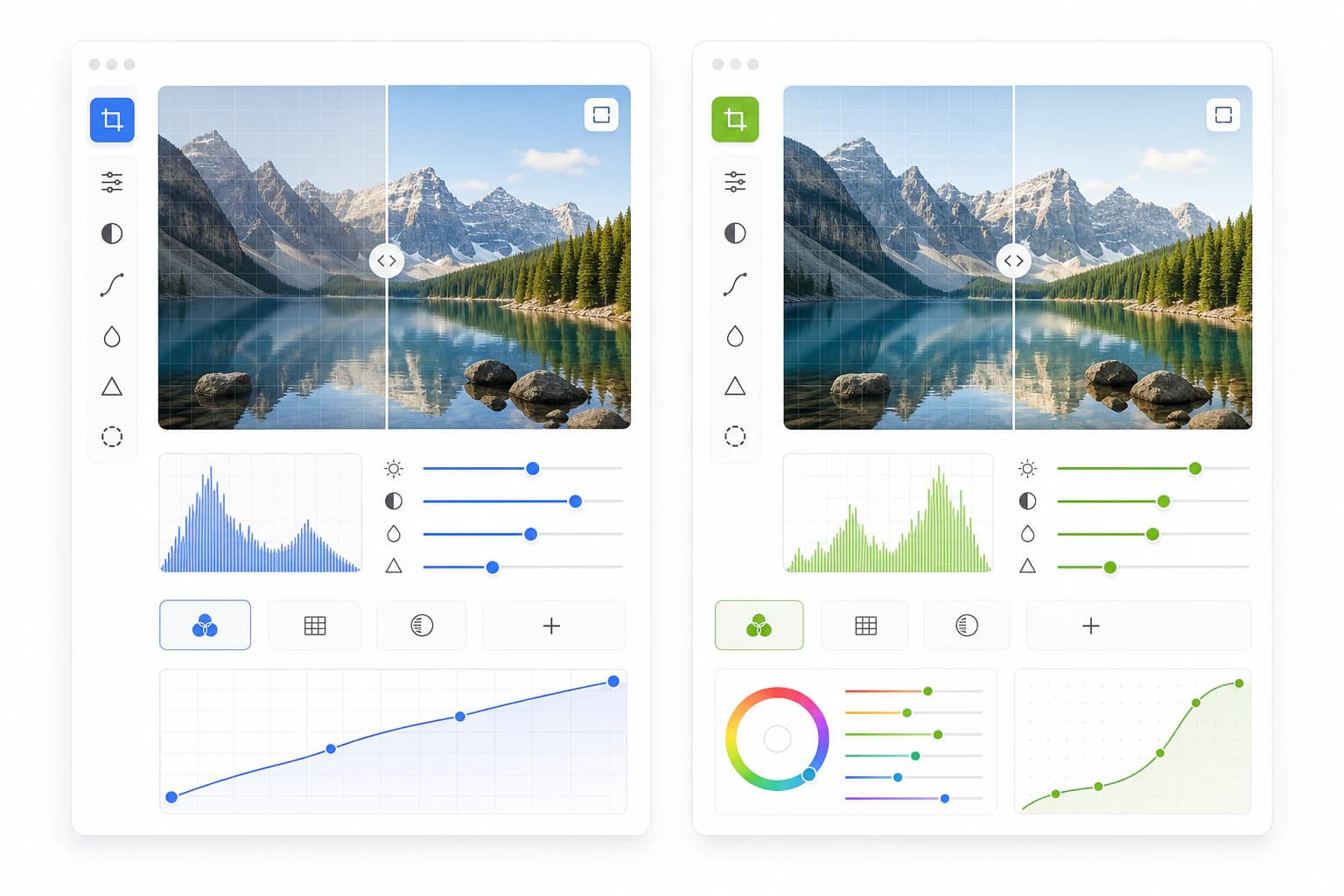
#1. Nothron Neural Engine – Where "One-Tap" Actually Means One Tap
What it is: An AI engine trained specifically on human portraits and natural scenes, designed from the ground up to eliminate complexity and deliver studio-grade results instantly.
Why it still dominates in 2026:
- Patented Perceptual Naturalness Model – Nothron doesn't aim for mathematically perfect pixels; it aims for what the human eye perceives as beautiful and authentic. This is why skin never looks waxy or plastic — it preserves real texture and micro-details.
- Zero-Slider Policy™ – No brightness, contrast, sharpness, or saturation sliders. Literally none. You upload → you get the final result. The AI decides everything (lighting, color grading, face geometry, sharpening) in seconds.
- Micro-Detail Recovery – Recovers individual eyelashes, fabric threads, hair strands, and even readable text in the background that were lost to blur years ago.
- Intelligent Relighting Engine – Detects harsh noon shadows or ugly indoor tungsten light and re-lights the face as if shot with a professional softbox — without touching the background.
Best for: Everyone who values time as much as quality:
- Professionals updating their LinkedIn headshots
- Singles optimizing dating app profiles
- Small e-commerce owners fixing product photos
- Families restoring old photo albums
Current limitations: No manual controls or layers. If you want to paint a dragon into the sky or composite five images, Nothron is not your tool — and we're perfectly fine with that.
#2. Adobe Photoshop – The Undisputed King of Creative Control
What it is: The industry standard that needs no introduction. Powered in 2026 by Firefly 4 and the most advanced Neural Filters ever released.
Strengths in 2026: Unlimited creative freedom. Generative Fill, layer-based compositing, precision masking, frequency separation — if you can imagine it, Photoshop can do it.
Weaknesses: That power comes with a steep learning curve and interface overload. A simple portrait retouch can easily take 15–40 minutes. Monthly subscription is still expensive for casual users.
Best for: Professional photographers, graphic designers, digital artists, and anyone who needs absolute pixel-level control.
#3. Remini – The Undisputed Master of Nostalgia
What it is: The mobile-first app that made "old photo restoration" a household term.
Strengths in 2026: Still delivers jaw-dropping results on low-res, damaged, or decades-old family photos. Its face detection and restoration algorithm remains one of the best on the planet.
Weaknesses: On modern, high-resolution portraits it sometimes over-smooths skin (the infamous "AI face" look). Non-portrait subjects (landscapes, objects) are hit-or-miss.
Best for: Anyone with a box of old family photos they want to bring back to life.
#4. Topaz Photo AI – The Technical Perfectionist
What it is: The all-in-one suite that combines Gigapixel AI, DeNoise AI, and Sharpen AI into a single powerhouse focused purely on technical image quality.
Strengths in 2026: Unmatched when you need maximum sharpness, noise-free results, or huge enlargements for print. RAW processing is exceptional.
Weaknesses: Interface still feels a bit "lab tool" rather than consumer-friendly. Portrait naturalness lags slightly behind tools that specialize in human faces.
Best for: Serious hobbyists and pros shooting wildlife, landscapes, astrophotography, or anything where every feather or star matters.
#5. Luminar Neo – The Artist's Playground
What it is: A creative editing suite that blends traditional tools with powerful AI-driven atmospheric effects.
Strengths in 2026: Sky replacement, cinematic light rays, fog, dramatic color grading, and portrait bokeh enhancement — all with a single click and stunning results.
Weaknesses: Less aggressive on basic restoration and upscaling compared to specialized competitors. Focus is on mood and artistry, not forensic recovery.
Best for: Content creators, wedding photographers, and anyone who wants their photos to feel like movie posters.

#Final Verdict: Which One Should You Use in 2026?
- "I want my profile picture to look like it was taken by a pro photographer — in under 5 minutes." → Nothron
- "I'm designing a magazine cover and need to composite a dragon into a cityscape." → Adobe Photoshop
- "I want to restore my grandfather's 1982 army photo for Mother's Day." → Remini (Nothron is also excellent here)
- "I need to count every feather in my eagle shot taken at ISO 12800." → Topaz Photo AI
- "I want my sunset to look like a Christopher Nolan film frame." → Luminar Neo
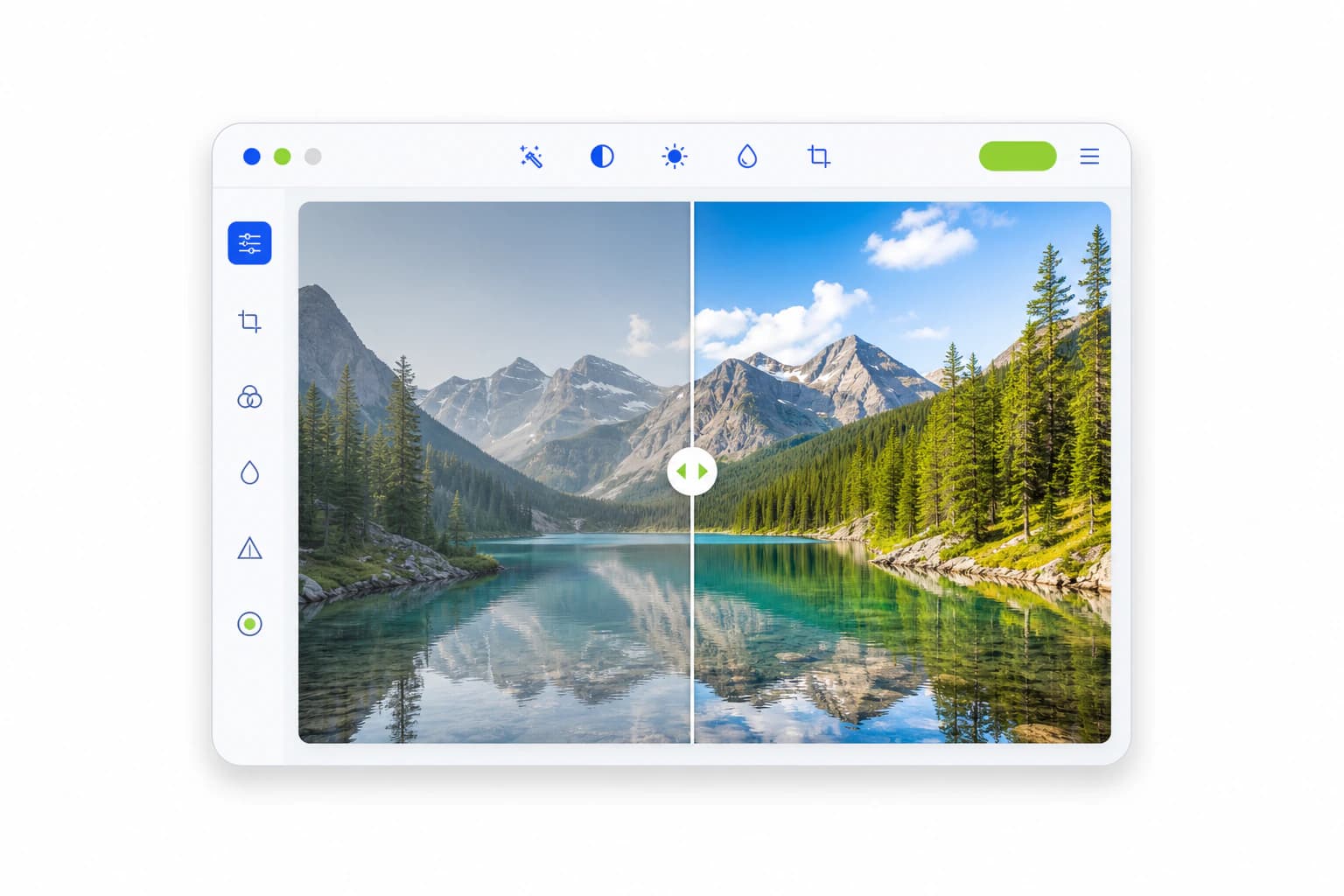
#We Prefer Showing Over Telling
After this long analysis, one thing is clear: every tool has its own crown.
But for the vast majority of people in 2026, the need is simple:
Fast. Natural. Stunning. Zero hassle.
That's exactly why we built Nothron.
And the best way to understand it isn't reading another 1,000 words — it's seeing it with your own eyes.
Enhance Your First Photo Completely Free — Right Now →
No credit card.
No sign-up required.
Just upload and see the difference in 7 seconds.
You deserve the best version of yourself in 2026.
See you on the other side.
Nothron Team
April 24, 2026
Nothron Team
The Nothron team turns experience in AI, computer vision and professional photography into a photo studio that anyone can use.
Related articles
Nothron All-in-One Photo Studio: 2026 Photo Editing Revolution - AI Headshot Generator, Tinder, LinkedIn and Instagram Comprehensive Guide
May 22, 2026 · 35 min read
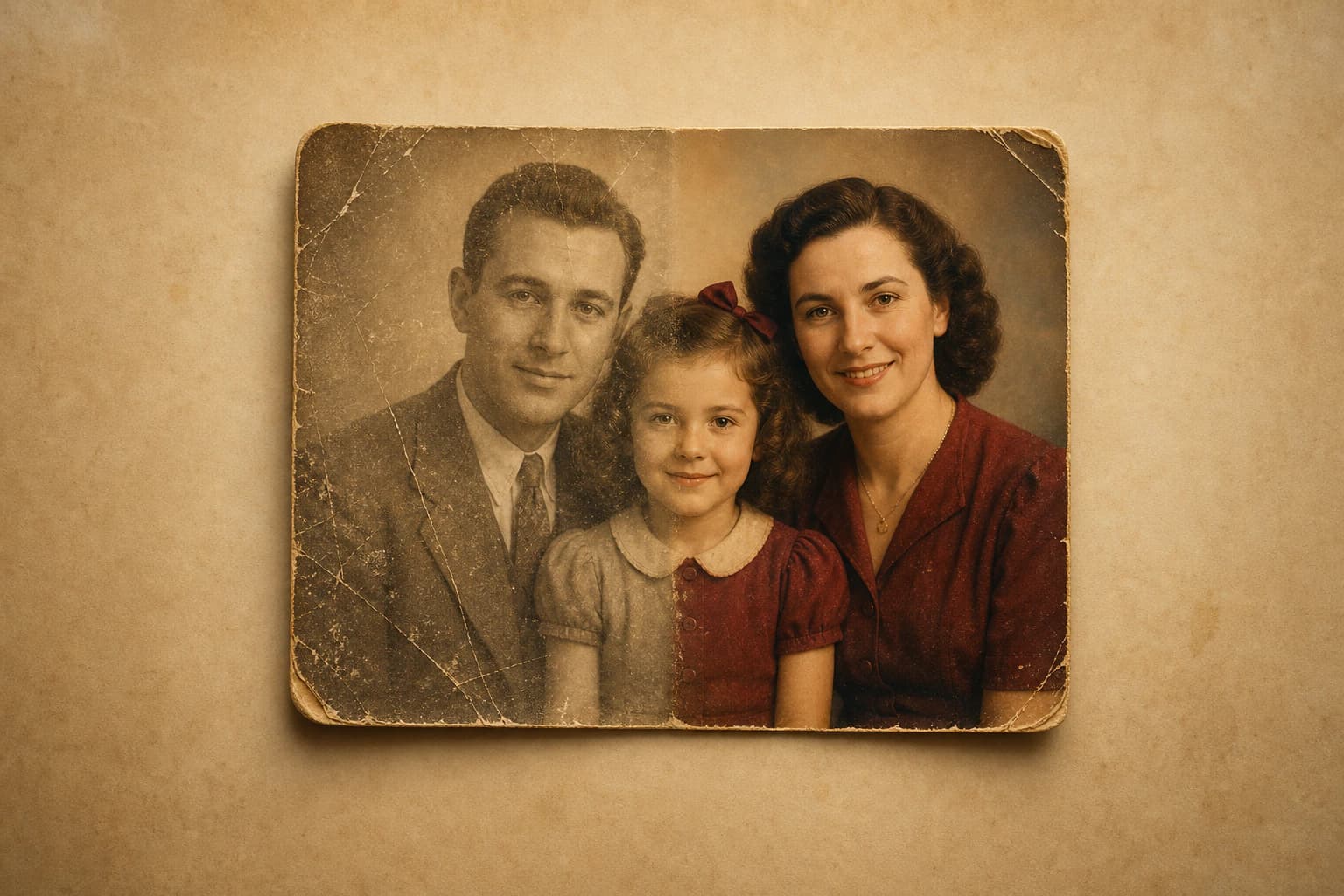
AI Old Photo Restoration Guide 2026
May 10, 2026 · 19 min read
Nothron Neural Engine: AI Photo Enhancement Technology and Professional Photo Improvement with Artificial Intelligence
May 5, 2026 · 20 min read