
Gaussian Blur
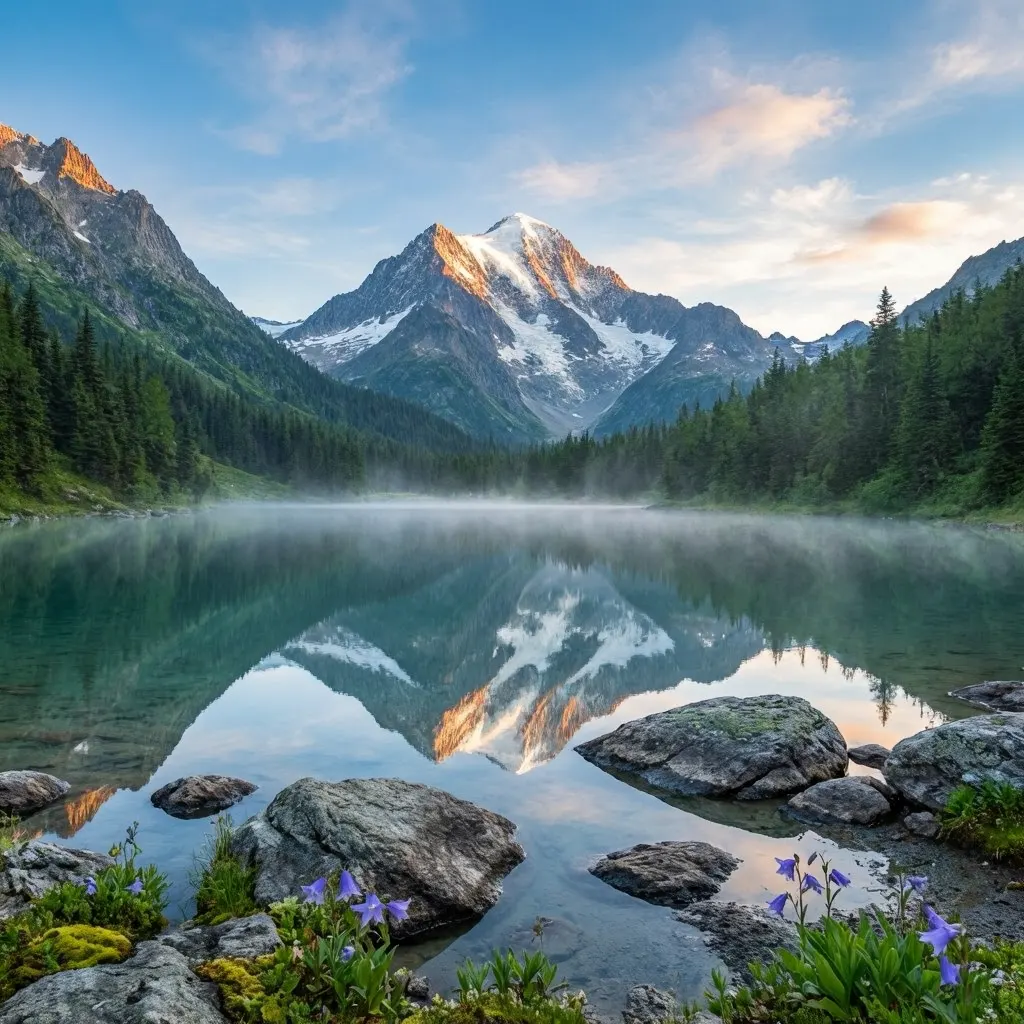
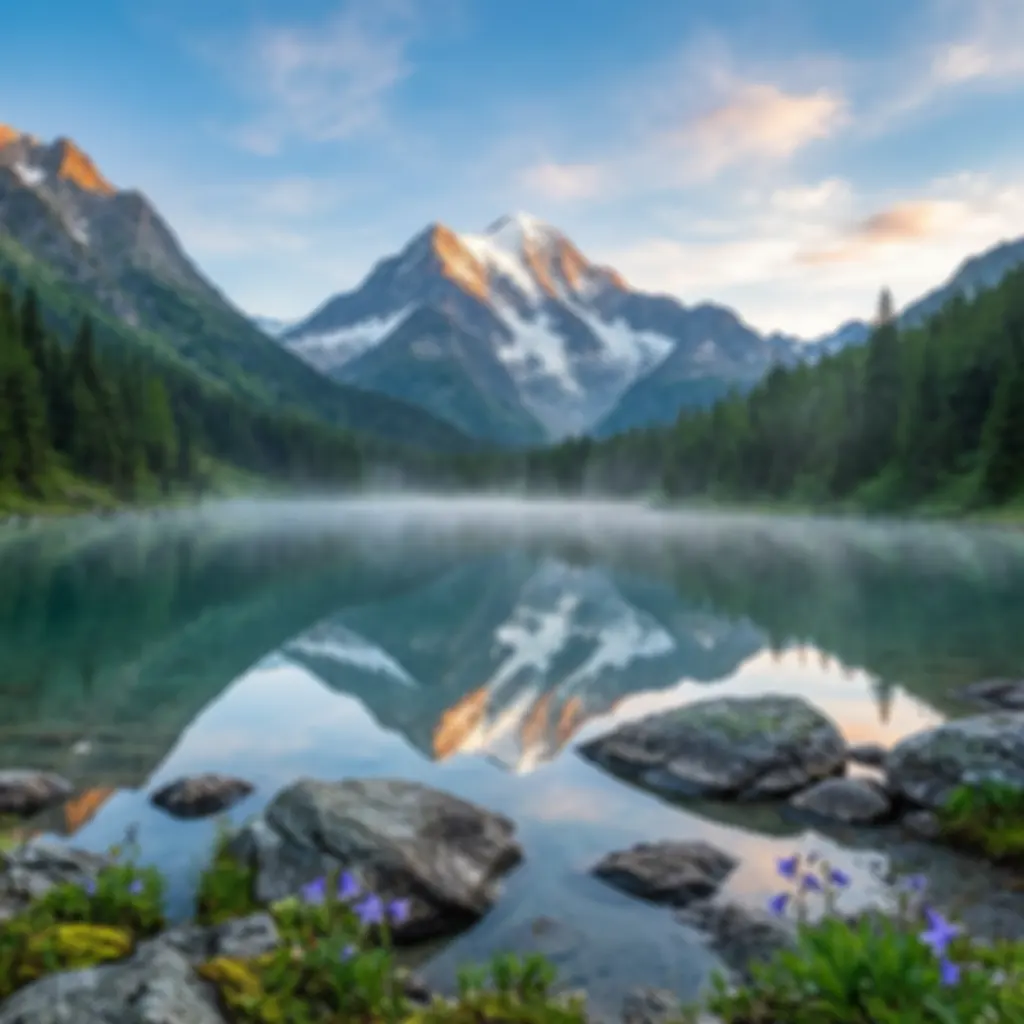
Apply a soft, natural blur effect to your photos. Perfect for soft background in portraits or general image smoothing. Gaussian blur applies a gradual and smooth blur to the image. Preserves natural appearance while softening unwanted details.
Motion Blur
Add a dynamic motion effect to your photos. Ideal for creating speed and movement sensation. Motion blur applies a linear blur in the direction of movement to the image. Perfect for sports photos, action scenes and dynamic compositions.

Radial Blur
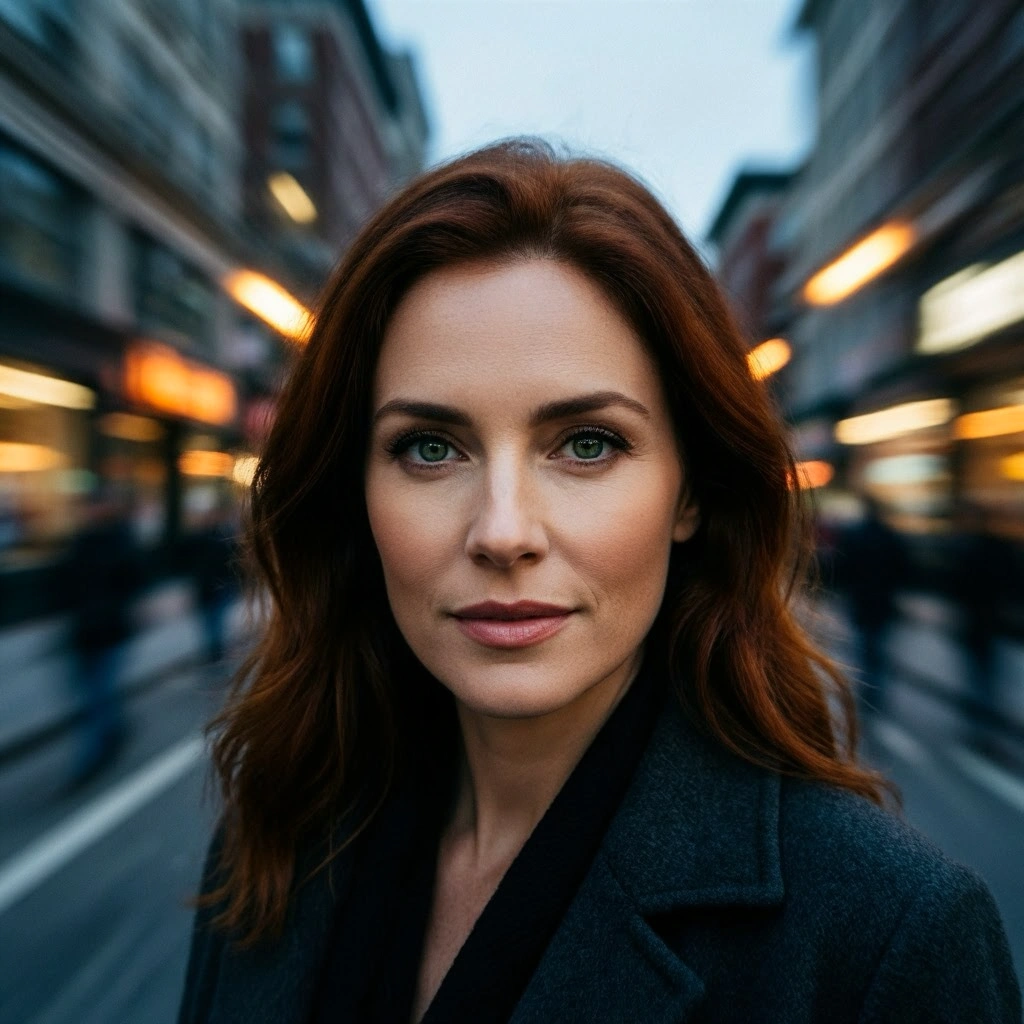
Create a blur that extends from the focus point outward. Ideal to focus on the subject in portraits. Radial blur keeps a specific point sharp while applying a gradual blur around it. Perfect for portrait photography and product photos.
Custom Blur
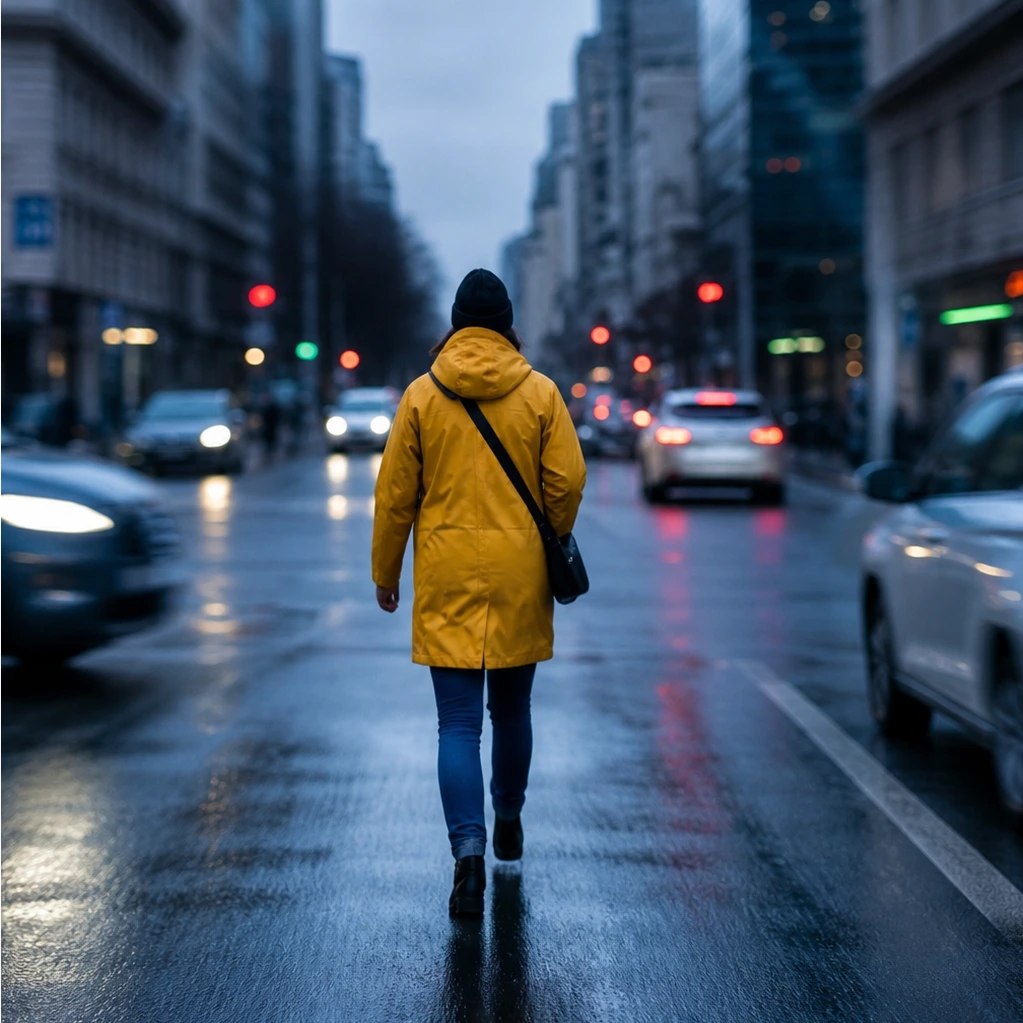
Control exactly the blur intensity and area. Get perfect results with precise adjustments. Custom blur allows you to control the blur amount, direction and application area. Provides flexibility for creative projects, artistic enhancements and professional editing.
Why Nothron Photo Blur?
The fastest, safest and easiest blur experience
Instant Processing
Apply blur in seconds. No waiting, instant results.
Mobile Compatible
Access from any device. Desktop, tablet or mobile - works everywhere.
Secure and Private
Your photos are safe. Your data is never shared with third parties.
High Quality Precision
Get perfect blur with pixel-perfect adjustment tools.
How It Works?
Perfect blur application in just 3 simple steps
Upload Photo
Drag and drop or select a file. JPG, PNG, WebP and more formats are supported.
Apply Blur
Choose between Gaussian, motion, radial or custom blur. See the result instantly in preview.
Download
Download your blurred image in high quality. Use it immediately on social media.
Use Cases
Perfect blur for every need
Portrait Photos
Soft background and focus on subject in portraits
Artistic Effects
Artistic blur effects for creative projects
Privacy
Protect personal information and faces by blurring them
Benefits
Why thousands of users choose Nothron?
Frequently Asked Questions
Answers to all your questions about blur application
How to apply free online photo blur without quality loss?
Nothron's free online photo blur tool allows you to apply image blur without quality loss using advanced processing technology. Upload your photo, choose between Gaussian, motion, radial or custom blur and get high quality results instantly. Our intelligent algorithms apply perfect blur effects while maintaining resolution.
What image formats does the free online photo blur tool support?
Nothron supports JPG, JPEG, PNG, WebP, GIF, BMP and TIFF formats. Process all popular image formats seamlessly with a maximum file size of 10MB. Export as PNG, JPG or WebP with adjustable quality settings.
How to apply background blur for portrait photos?
To apply background blur for portrait photos with Nothron, select the radial blur option. This keeps the focus point on the subject while softly blurring the background. Perfect for maintaining focus on the face in portraits and creating a professional look.
Is there a free photo blur tool without registration or signup?
Yes, Nothron's photo blur tool is completely free and requires no registration. Start applying blur immediately without creating an account. Optional registration allows saving history and accessing premium features.
How to create motion blur for artistic effects?
To create motion blur for artistic effects with Nothron, select the motion blur option. This applies a linear blur in the direction of movement to the image. Perfect for creating speed and movement sensation for sports photos, action scenes and dynamic compositions.
Can I apply custom blur with precise control over blur intensity?
Yes, Nothron allows you to apply custom blur with precise control over blur intensity, direction and application area. This provides professional-level control for creative projects, artistic enhancement and design work with real-time preview for perfect results.
Online Photo Blur Guide: Learn Everything
Photo blur is a powerful image editing technique used to soften image details and create artistic effects. When used creatively, ordinary photos can be transformed into beautiful visual compositions. As Nothron, we share photo blur techniques, tips and professional applications in this comprehensive guide.
What is Photo Blur and Why is it Useful?
Photo blur is the process of softening image pixels to reduce details and create a smooth appearance. This technique is necessary for softening backgrounds, maintaining focus on the subject, creating artistic effects and ensuring privacy. Professional photographers and designers use blur to achieve appropriate visual impact on various platforms and media.
Advantages of Online Photo Blur Tools
Online photo blur tools offer several advantages over traditional software. They provide instant processing without software installation, work on any device with internet access and often include features like real-time preview and format conversion. Nothron's tool specifically offers high-quality blur application without quality loss and supports all major image formats.
Professional Blur Techniques and Applications
Professional blur techniques include Gaussian blur, motion blur, radial blur and custom blur settings. Gaussian blur is ideal for general smoothing, while motion blur is used for dynamic effects. Radial blur is perfect for focus control in portraits. Each technique is tailored to specific use cases and artistic goals.
Photo Blur Applications by Use Case
Portrait Photography Blur
In portrait photography, blur is a critical tool for maintaining focus on the subject and softening the background. Radial blur keeps the face sharp while softly blurring the background. This technique provides perfect results for professional portraits, social media profiles and personal photos.
Artistic and Creative Blur
Creative blur application transforms ordinary photos into artistic compositions. Motion blur creates dynamic effects, while Gaussian blur can create soft and dreamy atmospheres. Artists and designers use blur to create moods, enhance emotions and create unique visual effects that stand out in portfolios and galleries.
Privacy and Protection
For privacy and protection, blur is an effective method to protect personal information and faces. Blurring faces provides identity protection and hides sensitive information. This is an important security measure for social media posts, news photos and documents.
Product and E-Commerce Blur
E-commerce product images require appropriate blur for maximum sales effect. Background blur keeps focus on the product and provides a professional appearance. Blur application ensures product photos are free from distracting elements, increasing conversion rates.
Platform-Specific Guides
Optimized blur application techniques for each platform
Portraits
- LinkedIn: Professional blur
- Instagram: Soft background
- Tinder: Focus effect
- Facebook: Natural look
Creative
- Design: Artistic effects
- Art: Mood
- Photography: Movement sensation
- Brand: Visual impact
Privacy
- Social media: Face hiding
- News: Identity protection
- Documents: Information hiding
- Business: Sensitive data
Product
- E-commerce: Background blur
- Catalog: Focus product
- Advertising: Professional look
- Brand: Brand consistency
Nothron vs Other Photo Blur Tools
Why should you choose Nothron?
| Feature | Nothron | Others |
|---|---|---|
| AI Powered | ✓ | ✗ |
| No Watermark | ✓ | ✗ |
| No Registration | ✓ | ✗ |
| Blur Templates | ✓ | ✗ |
| Mobile Compatible | ✓ | ✗ |
| Batch Processing | ✓ | ✗ |
| High Quality | ✓ | ✗ |
| Privacy Focused | ✓ | ✗ |
User Testimonials
Thousands of users use Nothron
"Nothron's blur tool is excellent for my portraits. Softening backgrounds and keeping focus on the face is very easy."
Sarah Johnson
Photographer
"Perfect for my creative projects. Motion blur effects look dynamic and professional."
Michael Chen
Graphic Designer
"Ideal for my Instagram photos. Soft backgrounds look more professional."
Emily Davis
Social Media Manager
"Background blur works excellent for our product photos. Our sales have increased."
David Wilson
E-Commerce Manager
About Nothron Photo Blur
Nothron photo blur tool allows you to apply professional quality blur effects to your photos. With Gaussian, motion, radial and custom blur, we meet every need.
Advanced Blur Technology
Nothron provides high quality results with advanced blur algorithms. We offer full control with Gaussian blur, motion blur, radial blur and custom settings.
Easy to Use Interface
With our user-friendly interface, applying blur has never been easier. Drag-and-drop upload, real-time preview and instant download.
Secure and Private
Your photos are safe. Your data is never shared with third parties and is deleted after processing. Complete privacy guarantee.
Why Choose Nothron?
- Free to use
- No registration required
- High quality output
- Fast processing
- Mobile compatible
- Secure and private
- Professional results
- 24/7 support
Statistics
Nothron photo blur tool performance
Get Started
Join thousands of users who blur photos. Try it for free and discover the difference.
No credit card required • Free trial • Instant results