
Rotate 90° Clockwise
Rotate your photos 90 degrees clockwise with a single click. Perfect for correcting orientation issues, fixing sideways photos, or preparing images for social media. Ideal for landscape and portrait photography. Maintain image quality while applying rotation. Smart algorithms ensure your photos look natural and professional. Support for all major image formats with instant processing.
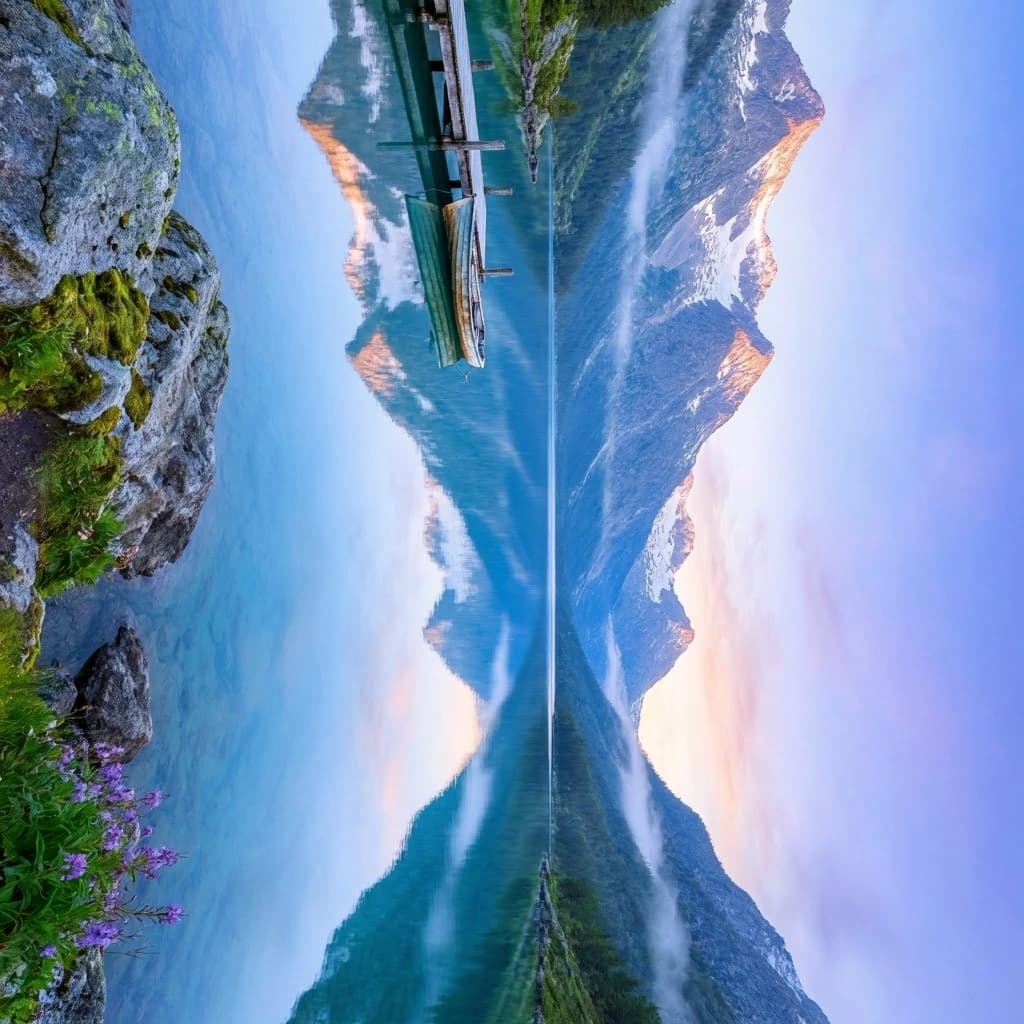
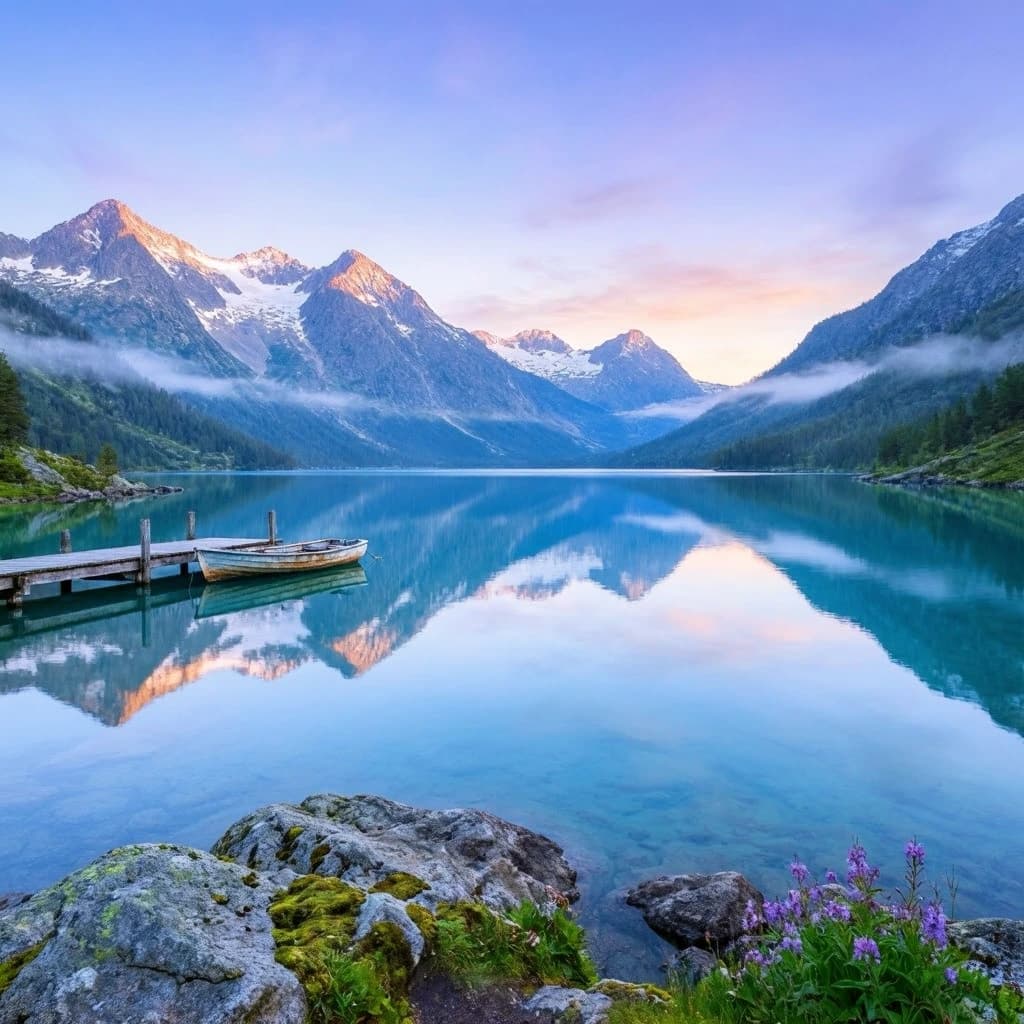
Rotate 90° Counter-Clockwise
Rotate your photos 90 degrees counter-clockwise instantly. Great for correcting upside-down images, fixing orientation problems, or creative effects. Perfect for product photography, documents, and creative editing. Automatic quality preservation ensures your photos remain sharp and clear. One-click rotation with professional results. Works seamlessly on desktop and mobile devices.


Rotate 180 Degrees
Rotate your photos 180 degrees for complete transformation. Perfect for correcting upside-down images, creating dramatic effects, or fixing orientation issues. Ideal for abstract art, pattern creation, and unique visual compositions. Full rotation produces stunning results with minimal effort. High-quality output maintains original resolution. Perfect for designers, artists, and creative professionals.
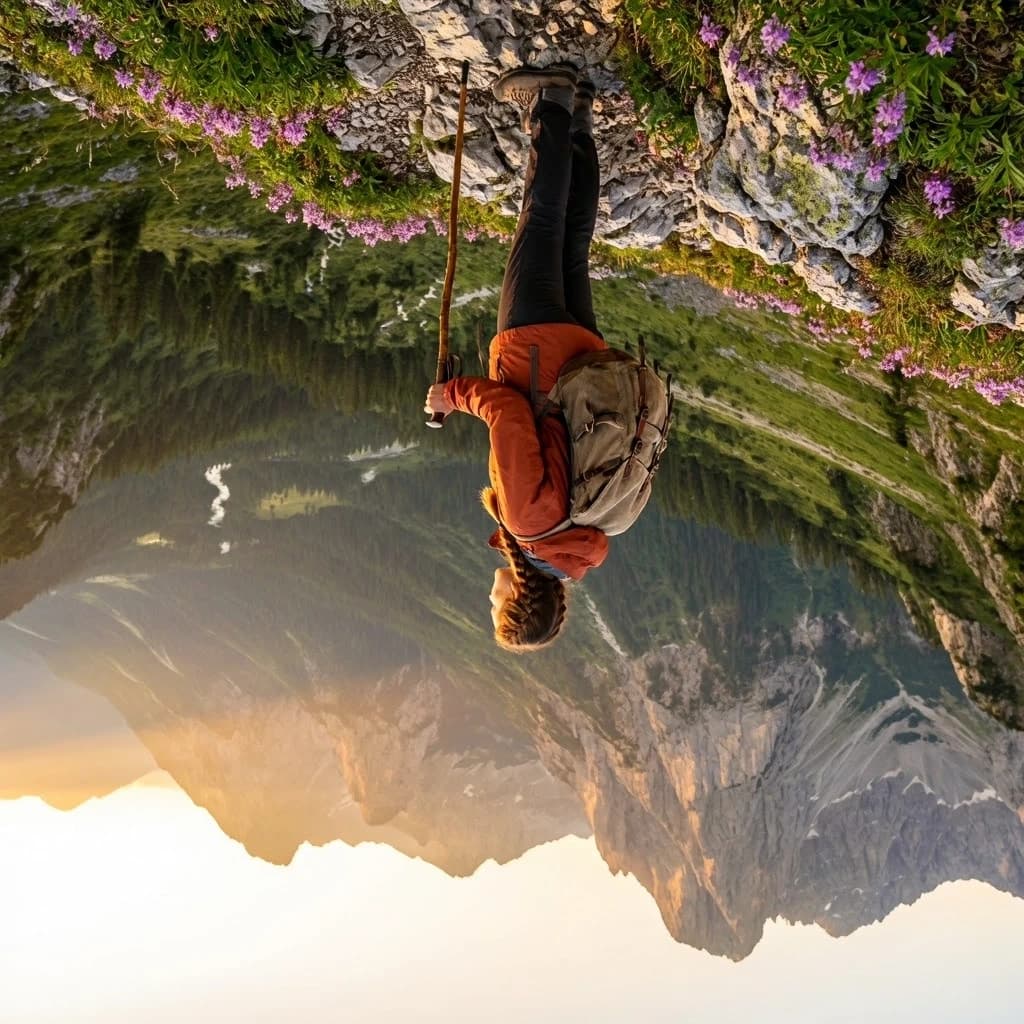
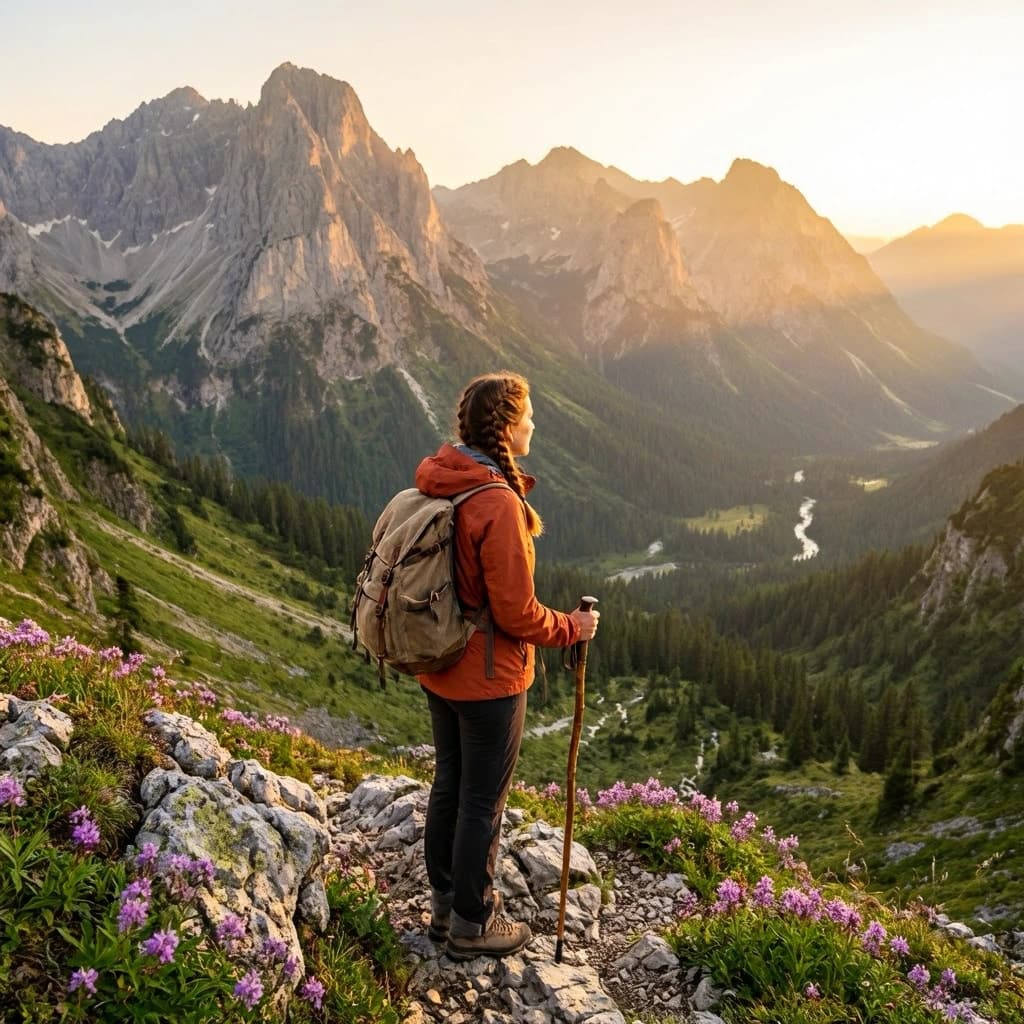
Why Nothron Photo Rotate?
The fastest, most secure, and easiest image rotation experience
Instant Processing
Rotate your photos in seconds. No waiting, instant results.
Mobile Compatible
Access from any device. Desktop, tablet, or mobile - works everywhere.
Secure and Private
Your photos are safe. Your data is never shared with third parties.
High-Quality Precision
Achieve perfect rotation with pixel-perfect transformation tools.
How It Works?
Perfect rotated images in just 3 simple steps
Upload Photo
Drag and drop or select a file. JPG, PNG, WebP and more formats supported.
Choose Rotation
Select 90° clockwise, 90° counter-clockwise, or 180°. See the result instantly with preview.
Download
Download your rotated image in high quality. Use it on social media immediately.
Use Cases
Perfect rotation for every need
Social Media
Perfect rotation for Instagram, Facebook, Twitter
Profile Photos
Ideal profile photo rotation for all platforms
Creative Projects
Professional rotation for design and art projects
Advantages
Why do thousands of users choose Nothron?
Frequently Asked Questions
Answers to all your questions about image rotation
How to rotate photos online for free without losing quality?
Nothron's free online photo rotate tool allows you to rotate images without quality loss using advanced processing technology. Upload your photo, select 90° clockwise, 90° counter-clockwise, or 180°, and get instant high-quality results. Our smart algorithms preserve resolution while applying perfect rotation.
What image formats are supported by the free online photo rotate tool?
Nothron supports JPG, JPEG, PNG, WebP, GIF, BMP, and TIFF formats. Process all popular image formats seamlessly with maximum 10MB file size. Export to PNG, JPG, or WebP with adjustable quality settings.
How to rotate photos 90 degrees clockwise for social media?
Rotate photos 90 degrees clockwise with Nothron by selecting the clockwise rotation option. This rotates your image to the right, perfect for correcting orientation, fixing sideways photos, or preparing images for Instagram, Facebook, and other platforms.
Is there a free photo rotate tool without registration or signup?
Yes, Nothron's photo rotate tool is completely free with no registration required. Start rotating immediately without creating an account. Optional registration allows saving history and accessing premium features.
How to rotate photos 90 degrees counter-clockwise for creative projects?
Rotate photos 90 degrees counter-clockwise with Nothron by selecting the counter-clockwise rotation option. This rotates your image to the left, ideal for correcting upside-down images, fixing orientation problems, or artistic effects for creative projects and design work.
Can I rotate photos 180 degrees at once?
Yes, Nothron allows you to rotate photos 180 degrees with a single click. This creates a complete transformation of your image, perfect for correcting upside-down photos, creating dramatic effects, or fixing orientation issues with minimal effort.
Online Photo Rotation Guide: Learn Everything
Photo rotation is a powerful image editing technique that rotates images 90 degrees clockwise, 90 degrees counter-clockwise, or 180 degrees. When used creatively, ordinary photos can be transformed into stunning visual compositions. As Nothron, we share the techniques, tips, and professional applications of photo rotation in this comprehensive guide.
What is Photo Rotation and Why is it Useful?
Photo rotation is the process of changing the orientation of an image by turning it around its center point. This technique is essential for correcting sideways photos taken with smartphones, fixing upside-down images from cameras, or creating artistic effects. Professional photographers and designers use rotation to ensure proper image orientation across different platforms and devices.
Advantages of Online Photo Rotation Tools
Online photo rotation tools offer several advantages over traditional software. They provide instant processing without requiring software installation, work on any device with internet access, and often include features like batch processing and format conversion. Nothron's tool specifically offers high-quality rotation without quality loss, supporting all major image formats.
Professional Rotation Techniques and Applications
Professional rotation involves understanding when to use clockwise vs counter-clockwise rotation, how to combine rotation with other editing techniques, and maintaining image quality throughout the process. Applications include correcting orientation for social media, preparing images for print, creating artistic compositions, and ensuring proper display across different devices and platforms.
Photo Rotation Applications by Use Case
Social Media Photo Rotation
Social media platforms have specific orientation requirements. Instagram prefers portrait orientation for stories, while Facebook accepts both orientations. Professional rotation ensures your images display correctly across all platforms, maximizing engagement and maintaining visual consistency in your social media presence.
Profile Picture Rotation
Profile photos often need rotation to appear professional and approachable. Dating apps like Tinder and Bumble require proper orientation for best results. LinkedIn profile pictures benefit from correct rotation to maintain a professional appearance. Proper orientation increases profile visibility and engagement.
Creative and Artistic Rotation
Creative rotation transforms ordinary photos into artistic compositions. 180-degree rotation creates dramatic effects, while 90-degree rotation can change the entire mood of an image. Artists and designers use rotation to create patterns, abstract compositions, and unique visual effects that stand out in portfolios and galleries.
Product and E-Commerce Rotation
E-commerce product images require perfect orientation for maximum sales impact. Products must display correctly from all angles. Rotation ensures product photos appear professional and trustworthy, increasing conversion rates. Professional rotation maintains product details and quality while correcting orientation issues.
Platform-Specific Guides
Optimized rotation techniques for each platform
Social Media
- Instagram: Portrait rotation
- Facebook: Auto-rotation
- Twitter: Correct orientation
- LinkedIn: Professional rotation
Profile Photos
- Tinder: Correct orientation
- Bumble: Rotation effects
- Hinge: Professional look
- LinkedIn: Business appropriate
Creative
- Design: Pattern creation
- Art: Abstract effects
- Photography: Orientation correction
- Branding: Creative logos
- Posters: Dramatic effects
- Brochures: Visual interest
- Magazines: Creative layouts
- Books: Artistic covers
Nothron vs Other Photo Rotate Tools
Why should you choose Nothron?
| Feature | Nothron | Others |
|---|---|---|
| Smart Rotation Algorithms | ✓ | ✗ (paid) |
| Watermark-Free Output | ✓ | ✗ |
| No Registration Required | ✓ | ✗ |
| Ready Rotation Options | ✓ | Limited |
| Mobile Compatible | ✓ | Partially |
| High Quality Output | ✓ | HD |
| Privacy and Security | ✓ | Variable |
User Reviews
Thousands of users choose Nothron
"I use Nothron to rotate photos for Instagram. The 90-degree rotation is perfect for correcting orientation."
Emily Chen
Social Media Manager
"The 180-degree rotation feature is amazing for creating dramatic effects. Saves me so much time."
Michael Brown
Graphic Designer
"Counter-clockwise rotation creates beautiful effects for my landscape photos. Professional quality results."
Sarah Johnson
Photographer
"Simple and effective rotation tool. I use it daily for my creative projects. Highly recommended."
David Lee
Content Creator
What You Need to Know About Photo Rotation
Online photo rotation tools have become essential for creative professionals and social media users. Whether you're correcting orientation for Instagram or fixing upside-down photos for professional profiles, the right rotation tool makes all the difference. At Nothron, we offer the most advanced, easy-to-use, and completely free photo rotation experience.
Why is Photo Rotation Important?
Photo rotation is crucial for ensuring images display correctly across different platforms and devices. Smartphones often capture photos in unintended orientations, requiring correction. Professional photographers use rotation to maintain consistency in their portfolios. Social media users rely on rotation to create engaging content that displays properly.
What to Look for When Choosing a Free Photo Rotate Tool?
When selecting a photo rotation tool, consider factors like image quality preservation, supported formats, processing speed, and ease of use. The best tools offer instant processing without quality loss, support all major formats, work on mobile devices, and provide multiple rotation options. Nothron excels in all these areas.
Photo Rotation Tips and Tricks
Professional rotation involves understanding the difference between clockwise and counter-clockwise rotation. Use 90-degree rotation for correcting sideways photos. Use 180-degree rotation for upside-down images. Combine rotation with other editing techniques for enhanced results. Always preview before downloading to ensure the desired effect.
Advantages of Rotating with Nothron
- Completely free and watermark-free output
- Smart rotation algorithms for perfect results
- Support for 90° clockwise, 90° counter-clockwise, and 180° rotation
- Instant use without registration
- Full mobile and desktop compatibility
- High-quality 4K outputs
- Secure and private processing (data never stored)
- Instant preview for real-time results
Statistics
Reliable and popular photo rotate tool
Get Started
Join thousands of users creating rotated photos. Try it for free and discover the difference.
No credit card required • Free trial • Instant results