
Typography
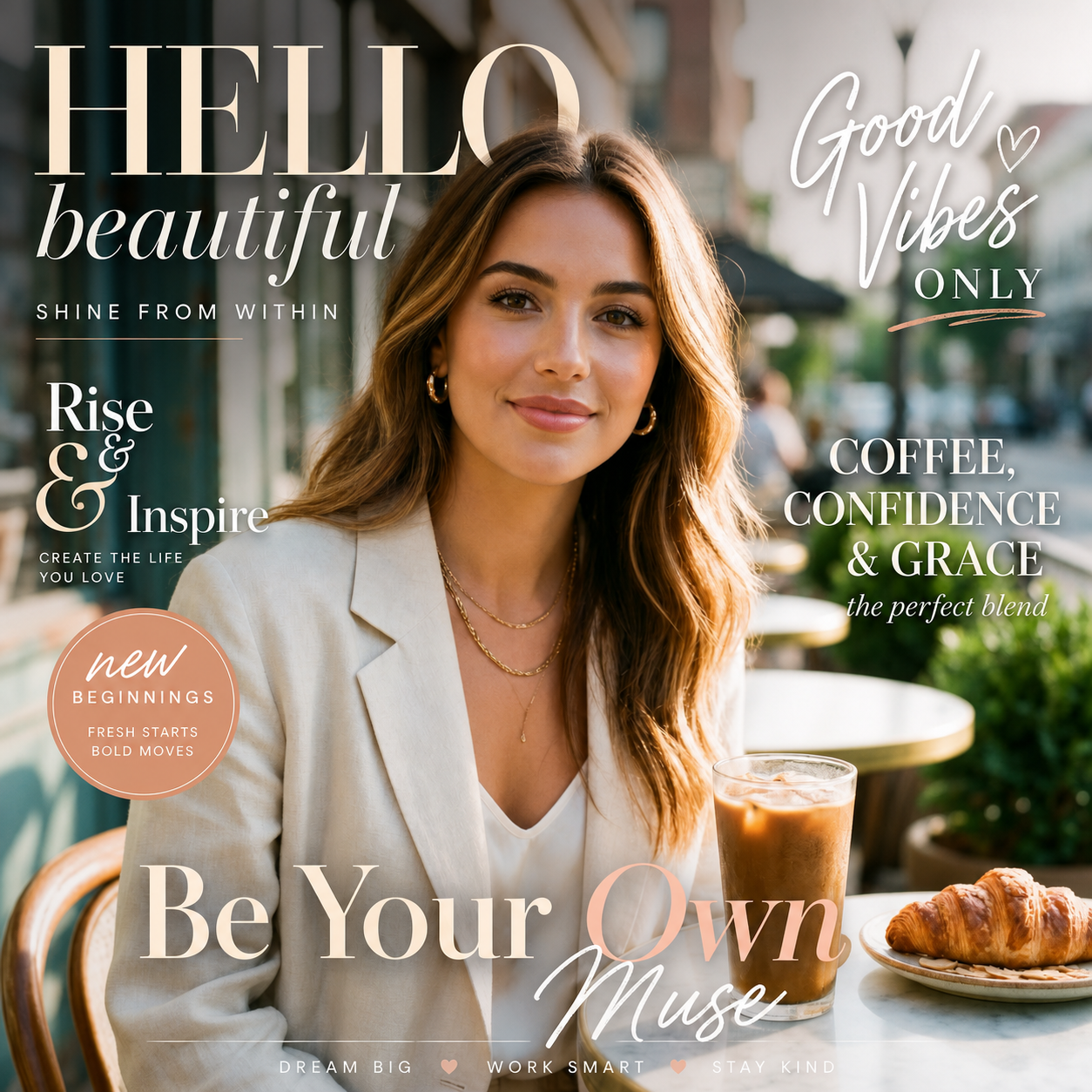
Choose from a wide range of fonts and styles. Perfect for headlines, captions, and creative text. Typography options include serif, sans-serif, script, and decorative fonts. Customize weight, style, and spacing for perfect results.
Colors
Pick any color for your text. Gradient options available for stunning effects. Color picker with full spectrum support. Create solid colors or beautiful gradients. Adjust opacity and blend modes for artistic effects.

Effects
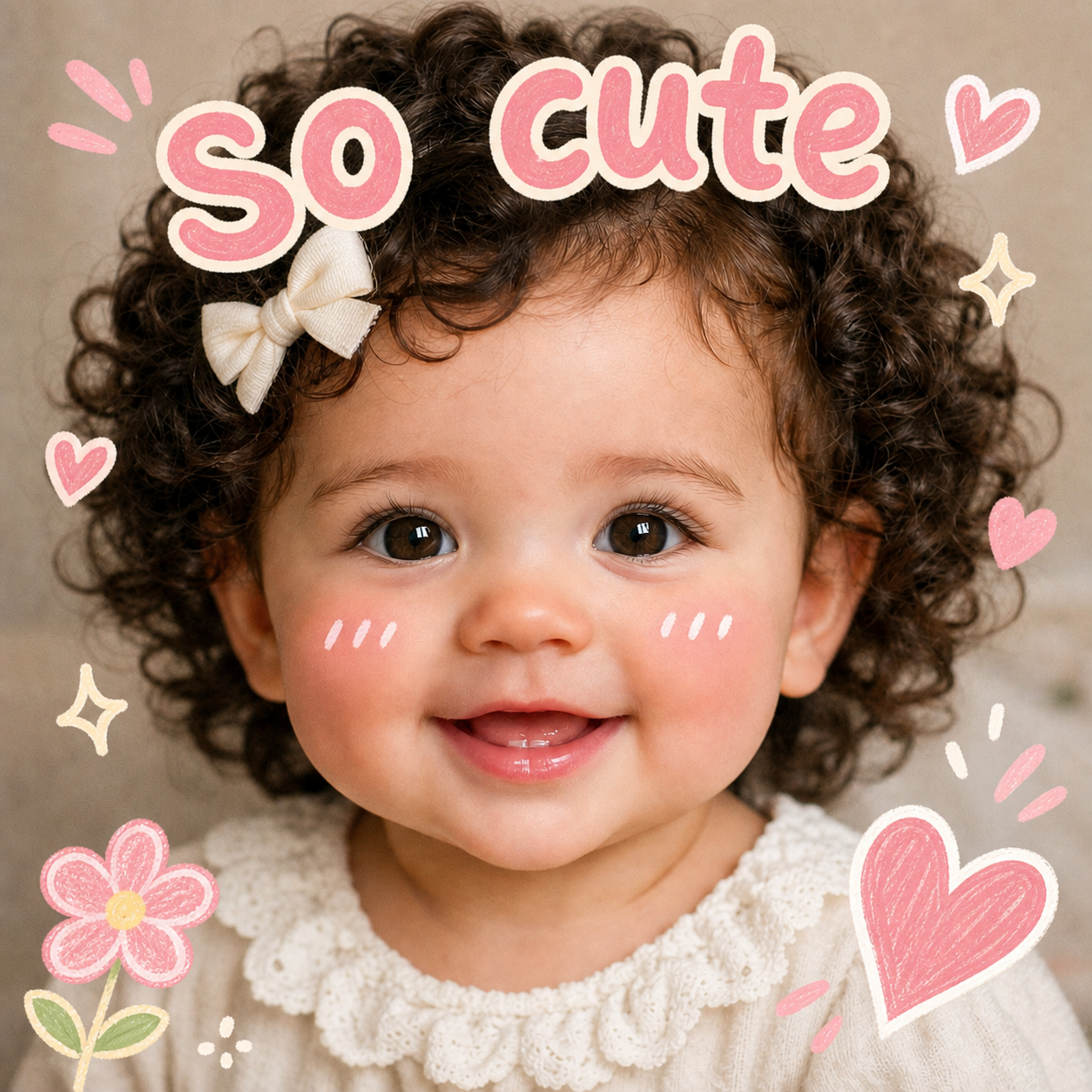
Add shadows, outlines, and other effects to your text. Make text stand out with professional effects. Options include drop shadow, glow, stroke, and blur. Layer multiple effects for unique designs.
Positioning
Place text anywhere on your photo. Drag, resize, and rotate with ease. Full control over text placement. Snap to grid for perfect alignment. Free positioning for creative freedom.

Why Nothron Photo Text?
The fastest, safest and easiest text experience
Instant Processing
Add text in seconds. No waiting, instant results.
Mobile Compatible
Access from any device. Desktop, tablet or mobile - works everywhere.
Secure and Private
Your photos are safe. Your data is never shared with third parties.
High Quality Precision
Get perfect text with pixel-perfect adjustment tools.
How It Works?
Perfect text application in just 3 simple steps
Upload Photo
Drag and drop or select a file. JPG, PNG, WebP and more formats are supported.
Add Text
Type your text, choose font, color and style. See the result instantly in preview.
Download
Download your image with text in high quality. Use it immediately on social media.
Use Cases
Perfect text for every need
Social Media
Add captions and quotes to social media posts
Marketing
Create promotional graphics with text overlays
Personal
Add personal messages to photos and memories
Benefits
Why choose Nothron for adding text to photos
Frequently Asked Questions
Everything you need to know about adding text to photos
Is it free to add text to photos?
Yes, Nothron's Photo Text Tool is completely free. No hidden fees, no subscriptions, no limits.
What file formats are supported?
We support JPG, PNG, WebP, JPEG, GIF, BMP and TIFF formats. Both import and export.
Can I add multiple text elements?
Yes, you can add as many text elements as you want. Each can have its own font, color, and style.
Is there a watermark on the output?
No, there is no watermark. Your output is clean and professional, ready for any use.
Can I use it on mobile?
Yes, the tool works perfectly on mobile devices. Full functionality on all screen sizes.
Are my photos private?
Yes, your photos are processed locally and never stored on our servers. Complete privacy guaranteed.
How to Add Text to Photos
Adding text to photos is a powerful way to enhance your images. Whether you're creating social media posts, marketing materials, or personal memories, text can add context, emotion, and style to your photos.
Choosing the Right Font
Select a font that matches your message. Serif fonts for formal content, sans-serif for modern looks, script for elegance, and decorative fonts for creativity. Consider readability and aesthetic balance when choosing.
Color and Contrast
Choose colors that stand out against your photo background. High contrast ensures readability. Use color picker to find the perfect shade. Gradients can add depth and visual interest to your text.
Positioning and Layout
Place text strategically to enhance your photo composition. Use rule of thirds for balanced placement. Avoid covering important elements of your image. Experiment with different positions for best results.
Advanced Text Effects
Shadows and Depth
Add drop shadows to create depth and make text pop. Adjust shadow blur, offset, and color for different effects. Shadows help text stand out against complex backgrounds.
Outlines and Strokes
Use outlines to define text edges and improve readability. Choose outline color and thickness. Outlines are especially useful for text on busy or colorful backgrounds.
Glow Effects
Add glow effects for attention-grabbing text. Perfect for headlines and call-to-action text. Adjust glow intensity and color for different moods and styles.
Blend Modes
Use blend modes to integrate text with your photo. Overlay, multiply, and screen modes create different interactions between text and background. Experiment for unique artistic effects.
Platform-Specific Text Tips
Optimize your text for different platforms and use cases
Social Media
- Instagram captions
- Facebook posts
- Twitter graphics
- LinkedIn banners
Marketing
- Product descriptions
- Promotional banners
- Ad creatives
- Brand messaging
Personal
- Photo captions
- Memory quotes
- Greeting cards
- Personal branding
Professional
- Presentations
- Reports
- Infographics
- Business graphics
Why Choose Nothron?
See how Nothron compares to other photo text tools
| Feature | Nothron | Others |
|---|---|---|
| AI-Powered Suggestions | ✓ | ✗ |
| No Watermark | ✓ | ✗ |
| No Registration | ✓ | ✗ |
| Font Library | ✓ | Limited |
| Mobile Optimized | ✓ | ✗ |
| Batch Processing | ✓ | ✗ |
| High Quality Export | ✓ | Low |
| Privacy Focused | ✓ | ✗ |
What Users Say
Real feedback from our users
"Nothron's text tool is perfect for creating social media graphics. Fast, easy, and professional results every time."
Sarah Johnson
Social Media Manager
"I use this tool for all my promotional images. The text options are excellent and the quality is outstanding."
Michael Chen
Small Business Owner
"Best free text tool I've found. No watermarks and full control over every aspect of the text."
Emily Davis
Content Creator
"Great for adding captions to client photos. The positioning tools make it easy to get perfect placement."
David Wilson
Photographer
About Photo Text Tool
Nothron's Photo Text Tool is designed for everyone who wants to add text to their photos quickly and professionally. Whether you're a social media manager, small business owner, or casual user, our tool makes it easy.
Simple and Intuitive
Our interface is designed for ease of use. No complex menus or confusing options. Just upload, type, and customize. Perfect for beginners and professionals alike.
Professional Quality
Export your images in high resolution. Perfect for print, web, and social media. No quality loss, no compression artifacts. Your text remains crisp and clear.
Privacy First
Your photos are processed locally in your browser. Nothing is uploaded to our servers. Your images and text remain completely private and secure.
Key Advantages
- No registration required
- No watermarks on output
- Unlimited text additions
- Multiple font options
- Custom colors and gradients
- Text effects and styles
- Full positioning control
- High quality export
Our Impact
Trusted by users worldwide
Ready to Add Text?
Start adding beautiful text to your photos today. Free, fast and professional.
No signup required. Start immediately.